

In Singapore, businesses move fast… but customer expectations soar higher.
One missed WhatsApp message can mean a missed booking, a lost sale, or a competitor winning the job.
That’s why more SMEs are upgrading from a simple WhatsApp business app to a WhatsApp Business Manager.
For Singapore businesses, WhatsApp is likely the primary enquiry channel, whether it’s a dental clinic or a renovation firm. But as message volume increases, handling everything from a single phone becomes chaotic.
Accordingly, many SMEs also pair this business platform with an outsourced customer support to scale without adding unnecessary headcount.
To help you understand what this business platform is, this article breaks down how it differs from the standard business app.
Particularly, this complete guide to WhatsApp business features like API integration and multi-user access are all presented to help you get started.
What Is a WhatsApp Business Manager?

WhatsApp Business Manager is the central management platform that allows businesses to operate using WhatsApp at scale.
This is often known as part of the Meta Business Suite or WhatsApp Business Platform.
However, it’s different from the WhatsApp Business App, which is designed for small or single-user businesses who handles low-volume enquiries.
The Business Manager platform is then necessary when multiple staff needs access or when customer relationship management (CRM) integration is needed.
In simple terms, the WhatsApp Business Manager allows you to:
- Add multiple team members to handle messages
- Connect WhatsApp to a CRM or helpdesk system
- Send approved message templates (such as appointment reminders)
- Access analytics and reporting
- Apply for official business verification
For SMEs that rely heavily on WhatsApp for sales or support, this platform transforms WhatsApp from a messaging app into a structured customer communication channel.
Therefore, utilising WhatsApp Business Manager can be an asset to your business operations, especially as it’s easy to set up your WhatsApp business account through the business settings page.
Why Singapore SMEs Are Moving to WhatsApp Business Manager
Singapore customers prefer convenience.
In fact, many would rather send an inquiry on platforms like Facebook and Instagram, or send a quick WhatsApp message, than call or email.
This often makes WhatsApp presence an indispensable business growth strategy and business communication platform.
Thereby, making it the first point of contact.
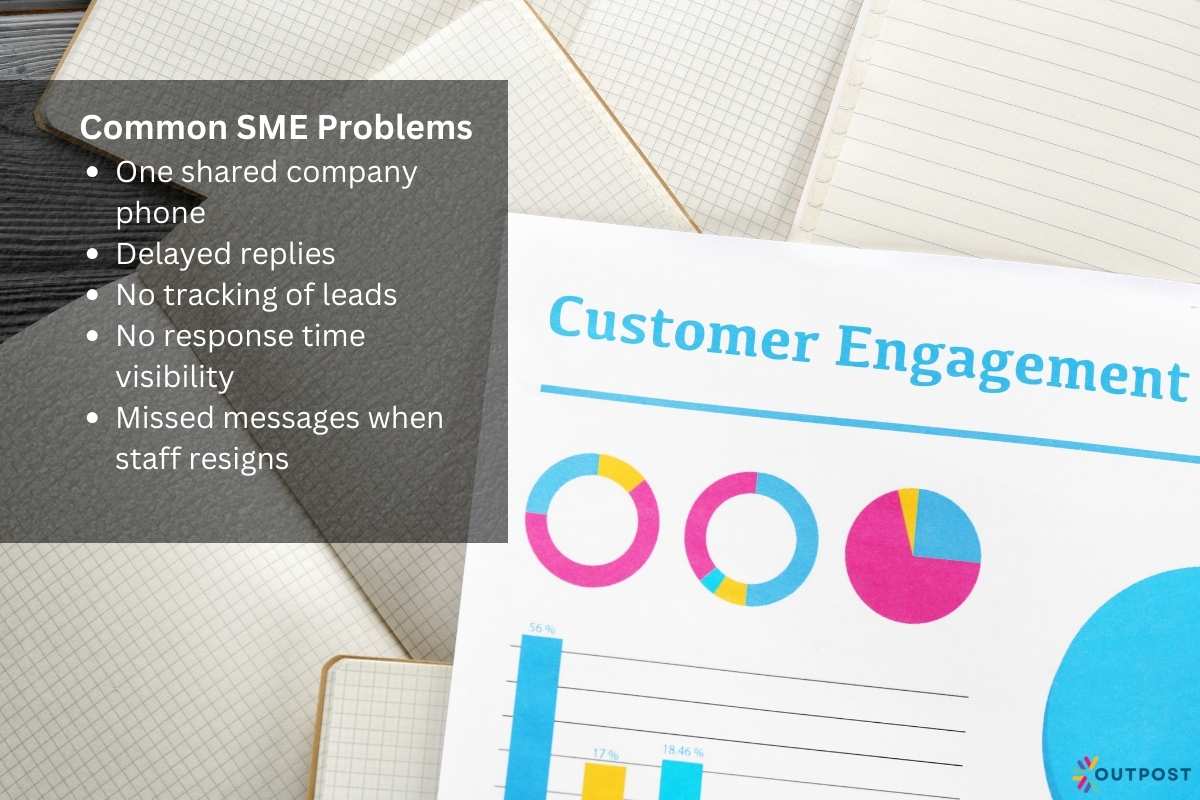
However, common SME problems include:
- One shared company phone passed between staff
- Delayed replies during lunch hours or after work
- No tracking of leads or conversation history
- No visibility into response time performance
- Missed messages when staff resign
As businesses grow, these operational gaps cost money.
Thus, the WhatsApp Business Manager platform provides the infrastructure to handle scale without losing control.
How Singapore SMEs Can Scale with WhatsApp Business Manager
Scaling doesn’t always mean hiring more staff. It also means structuring communication better.
For SMEs receiving consistent inbound enquiries, this platform can convert interest into structured pipelines rather than scattered chats.
In this sense, having WhatsApp, particularly its business platform, can be a good scalable business strategy.
This is because the WhatsApp business app is designed specifically for business activities across different industries to manage customer interactions.
WhatsApp Business Manager helps you manage your business through:
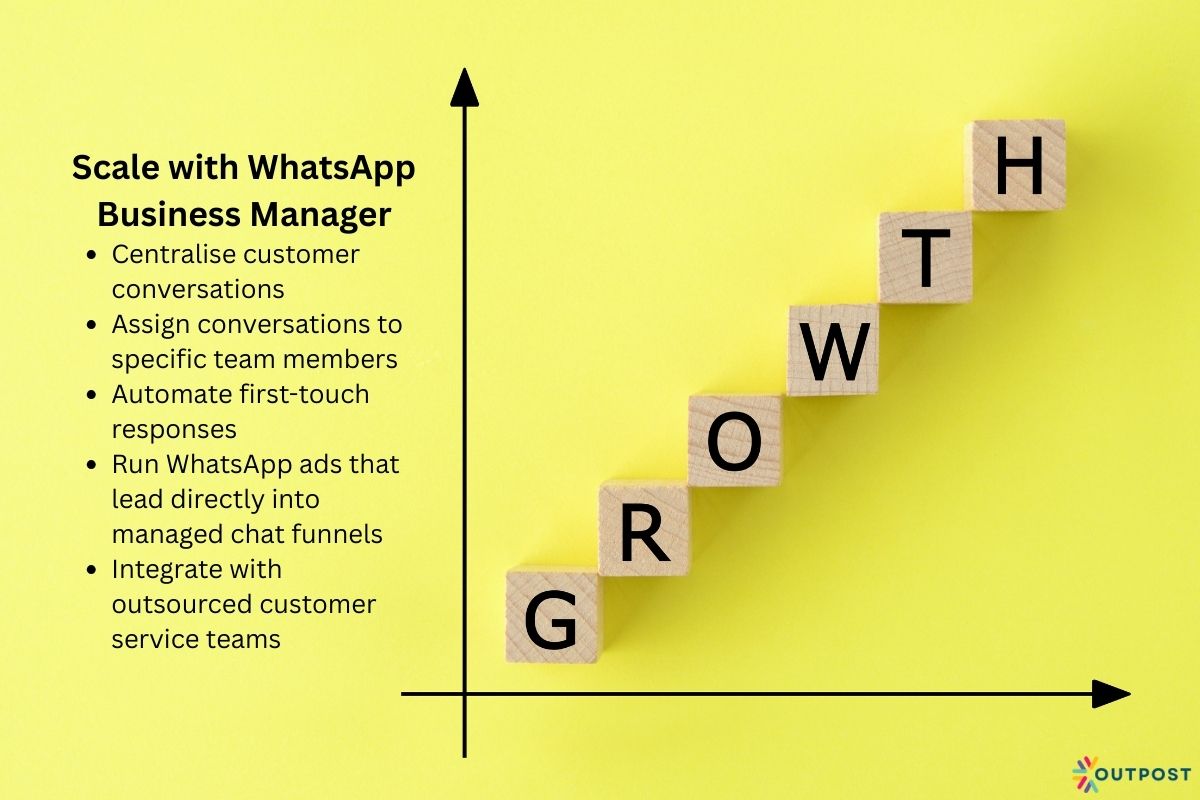
1. Centralise customer conversations
In many businesses, the company WhatsApp phone number lives on one receptionist’s device or is passed between staff.
This limits access to customer enquiries.
Conversations get missed. Follow-ups are delayed. Accountability becomes unclear.
Using this platform, all messages are accessible from a shared dashboard instead of one device.
Conversations become accessible through a structured interface where authorised team members can log in securely.
2. Assign conversations to specific team members
Beyond centralisation, WhatsApp Business Manager allows conversations to be assigned to specific team members.
This means that all messages can be routed properly: sales enquiries go directly to the sales team; customer complaints go to support; and billing questions go to finance.
By having this feature, it ensures that the right person handles the right enquiry from the start, reducing back-and-forth delays.
3. Automate first-touch responses
Customers have a quick response expectation among businesses, especially SMEs.
Hence, they often turn to WhatsApp communications to gain information about your business.
Customer conversations on WhatsApp Business Manager offer instant acknowledgement even outside office hours.
In turn, this determines their likelihood of pushing through with the enquiry, or if they’ll switch to a competitor with faster customer service.
4. Run WhatsApp ads that lead directly into managed chat funnels
For many SMEs, paid digital advertising is already part of the growth strategy.
Increasingly, these ads use “Click-to-WhatsApp” as the primary call-to-action, which is equivalent to WhatsApp marketing.
This format works well in Singapore because customers prefer instant messaging over forms or phone calls.
A prospect browsing Instagram during their MRT commute is far more likely to tap “Send WhatsApp Message” than to fill in a long enquiry form.
5. Integrate with outsourced customer service teams
As enquiry volume grows, many Singapore SMEs reach a point where internal staff can no longer manage multiple WhatsApp messages efficiently.
Hiring additional in-house staff is one option, but it increases fixed costs, HR management, training time, and turnover risk.
For businesses that choose to outsource customer service handling, this becomes particularly valuable.
Specifically because WhatsApp handling can connect trained agents securely without sharing passwords or phones.
Key Features of WhatsApp Business Manager for SMEs
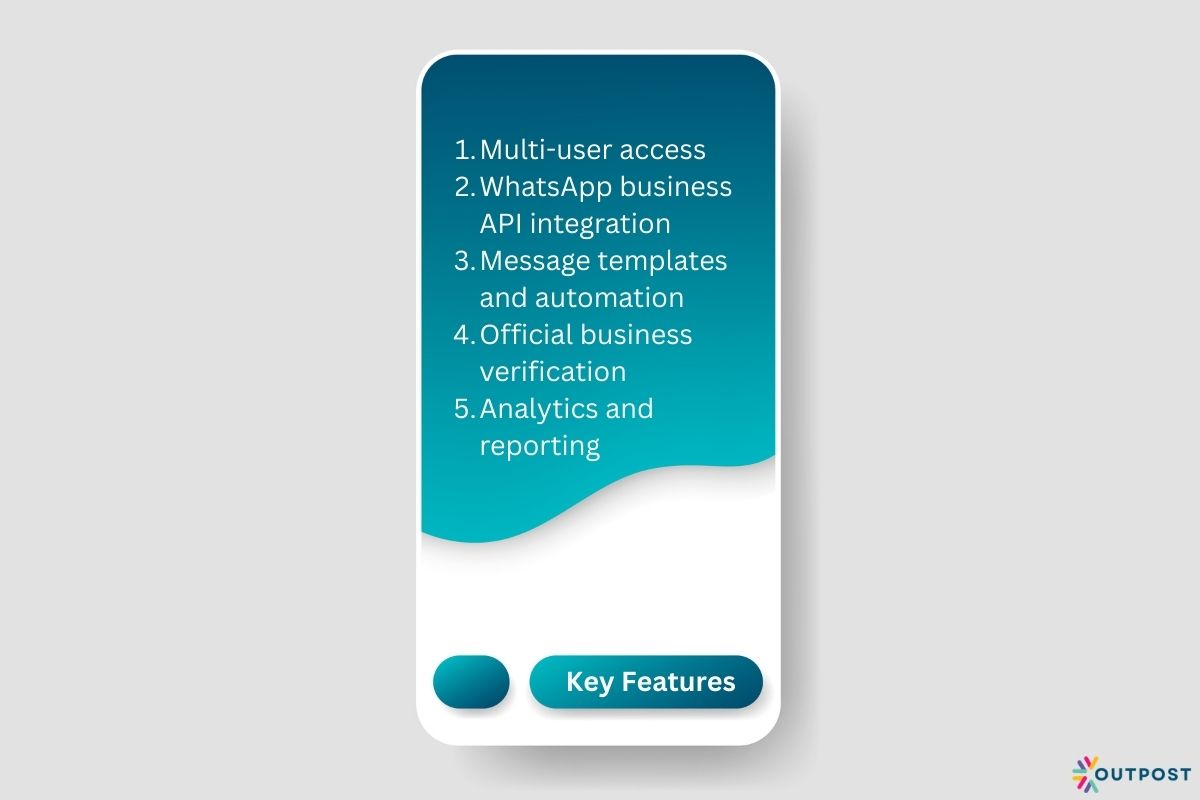
1. Multi-User Access
This platform allows multiple staff to respond to enquiries from one official WhatsApp business account linked to one phone number.
By doing so, it can remove dependency on one employee and improve continuity of customer engagement.
2. WhatsApp Business API Integration
The application programming interface (API) allows integration with CRM systems, helpdesk software, ecommerce platforms, and automation tools.
In this sense, the API setup can be specifically related to your business to centralise and optimise your customer interaction practices.
For Singapore SMEs running ads or digital campaigns, this integration allows lead tracking and structured follow-up, thereby making WhatsApp chat an effective customer communications avenue.
3. Message Templates and Automation
Through the business settings, WhatsApp accounts can send pre-approved templates, such as:
- Appointment confirmations
- Delivery updates
- Payment reminders
- Follow-up messages
However, templates must, of course, comply with WhatsApp’s policies and customer opt-in requirements.
4. Official Business Verification
Verified businesses may receive an official WhatsApp business account badge.
This makes it easier for your clients to find the business account with the assurance that they’re talking and transacting with the right people—not fraudsters, scammers, or even impersonators.
5. Analytics and Reporting
Businesses can better analyse their CRM performance through response times, message volume, and agent performance.
This information can help growing SMEs to improve their service standards and operational planning.
How to Set Up WhatsApp Business Manager in Singapore
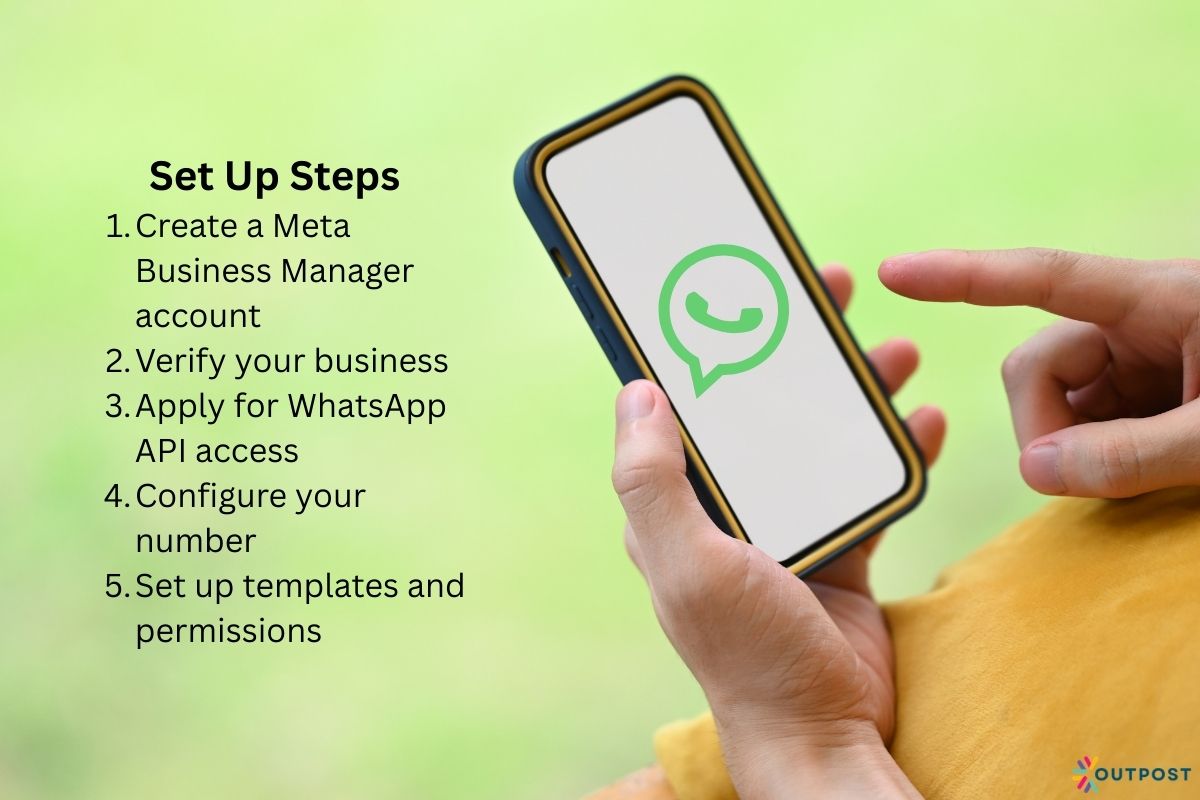
Setting up WhatsApp Business Manager involves several steps.
Step 1: Create a Meta Business Manager Account
You must first create or use an existing Meta Business account (Meta Business Manager, which is the Facebook business setup).
Step 2: Verify Your Business
To verify business profile, Singapore companies will typically need:
- UEN (Unique Entity Number)
- Official business documents
- Matching company details
Verifying your business name is a crucial step in legitimising your operations on the platform for easier CRM.
Step 3: Apply for WhatsApp API Access
This is done through approved WhatsApp Business Solution Providers (BSPs).
Direct API access is not typically available without going through a provider.
Step 4: Configure Your Number
You must register a phone number dedicated to WhatsApp Business API. It cannot be actively used on a personal WhatsApp account.
Step 5: Set Up Templates and Permissions
Create a WhatsApp message template and assign user roles to staff members.
Such as who will be the one to control the WhatsApp business account, or who will manage specific enquiries.
This will help you actually get started with WhatsApp business platform and integrate the official business account into your CRM practices.
Important Singapore note:
Singapore businesses must ensure compliance with PDPA when sending marketing messages.
Accordingly, customers must first provide consent before receiving promotional broadcasts.
Is WhatsApp Business Manager Right for Your SME?
Now, you know what a business manager platform is, how you can create one for your business, and how to manage WhatsApp Business account.
But should your company use WhatsApp Business Manager?
Not every business needs to have one immediately. It makes sense if:
- You receive 20 or more WhatsApp enquiries daily
- Multiple team members need access
- You run Click-to-WhatsApp ads
- You require automation and CRM integration
- You want structured reporting
It may not be necessary if:
- You are a solo freelancer with low message volume
- You manage fewer than 10 enquiries daily
- You do not require team access
Of course, this decision depends on scale and operational complexity, not just the size of your business.
This is because you will still need to have someone, preferably communication and customer support experts, to manage your WhatsApp business account effectively.
This can be from your pool of in-house team, or from outsourced customer support handlers.
Final Thoughts: Improving Your Customer Engagement Performance

For Singapore SMEs, WhatsApp is no longer just a messaging tool. It’s already a primary customer interactions, acquisition, and support channel.
As message volume increases, managing conversations manually becomes inefficient and risky.
WhatsApp Business Manager then provides structure, automation, analytics, and scalability. This turns casual chats into managed customer pipelines.
For SMEs who are serious about growth, response time, and customer experience, adopting a structured WhatsApp management system is not about technology for its own sake.
It is about ensuring that every enquiry is handled professionally and efficiently in a highly competitive market.
To complement this, having a dedicated team of customer support specialists, such as an outsourced call centre, is an appropriate step to maximising the various tools at your business’s disposal, minus the overhead cost.
In Singapore’s fast-moving SME environment, structured communication is no longer optional. It is an operational infrastructure.
About the Author: Tansi G