
In Singapore, WhatsApp is more than a messaging app. It’s a default business communication channel.
For many SMEs, it has now become one of the most important customer touchpoints, specifically because customers use it to enquire about a business and its services.
But here’s the issue: most businesses are still managing enquiries through a single phone or a basic WhatsApp Business app.
This means that messages get missed, staff replies become inconsistent, leads are not tracked, and after-hours enquiries pile up overnight.
That’s where a proper WhatsApp Business Management Tool becomes critical.
Instead of treating WhatsApp as if it’s a simple messaging app, SMEs should turn it into a structured support and sales channel that they can seamlessly personalise for their needs.
Complete with team access, automation, analytics, and CRM integration.
This can complement outsourced customer support for SMEs with limited resources or manpower, thereby strengthening customer engagement practices without overstretching your in-house team.
With that said, this guide breaks down the 7 best business management tools for Singapore SMEs that are the right fit for your business model.
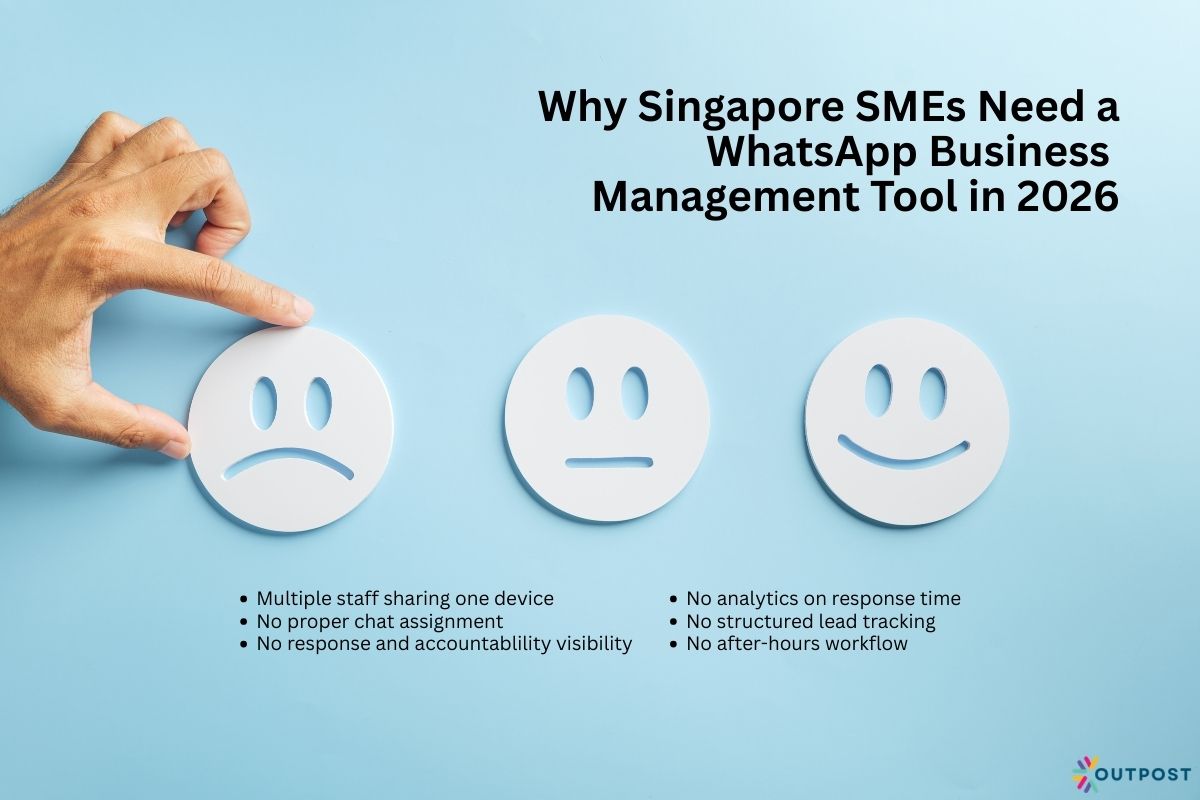
Why Singapore SMEs Need a WhatsApp Business Management Tool in 2026
Singapore consumers expect fast responses.
In fact, even if they’re just asking what services you offer, how to set up an appointment with your business, or asking about stock availability, the expectation is simple: you have to reply quickly.
Many SMEs start with the free WhatsApp Business app. Which is okay!
It works, especially for solo operators, until enquiries and customer messages increase. This leads to operational problems, which begin from:
- Multiple staff sharing one device
- No proper chat assignment
- No visibility on who replied to which customer
- No analytics on response time
- No structured lead tracking
- No after-hours workflow
For example, businesses receiving 30 to 50 messages a day can struggle to manually reply, especially if only one person is managing the account.
This may also mean that high-value leads can be missed, especially if they come in after office hours.
Having a proper WhatsApp Business Management tool can solve these problems by turning WhatsApp into a team-based system, rather than a personal messaging app.
It allows for multiple agents to log in regardless of the device used (meaning, more staff can access the account without relying on one device), assign chats, automate replies, segment customers, and monitor customer engagement performance.
To further highlight the necessity for such business management tools, in 2026, SMEs competing on speed and customer experience cannot afford delayed and disorganised communication.
A delayed response can mean that a potential customer may turn to another competitor.
This means that one notification is crucial to be answered immediately, as customers on WhatsApp expect real-time customer service.
So, for business in Singapore, where WhatsApp is already a dominant messaging platform, the competitive advantage lies in managing it properly and maximising its potential.
What to Look for in a WhatsApp Business Management Tool
Not all tools are built equally.
Choosing the right WhatsApp Business Management tool depends on your team size, industry, and growth plans.
Here are the key features Singapore SMEs should look for:
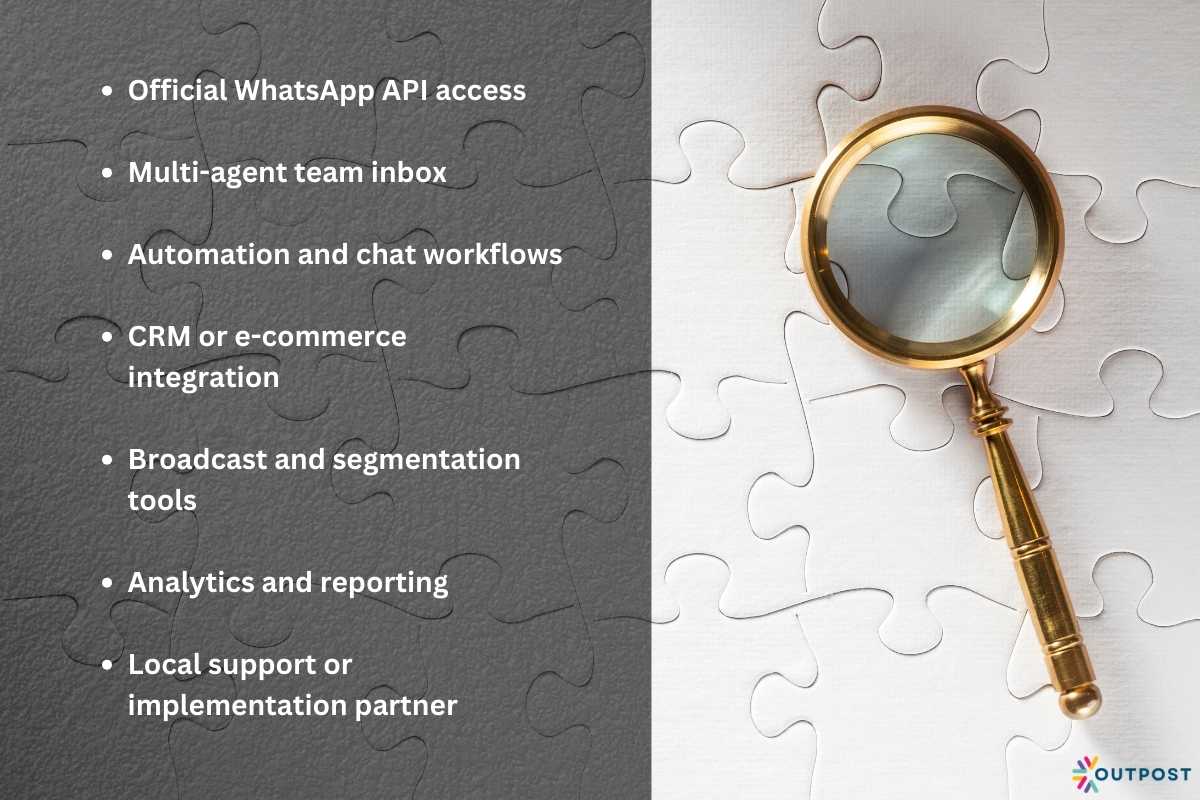
1. Official WhatsApp API Access
Serious tools connect via the official WhatsApp Business Platform (API).
This simplify the use of WhatsApp as one of your main messaging channels, while ensuring scalability, broadcast capabilities, and compliance, especially considering Singapore’s regulatory landscape.
2. Multi-Agent Team Inbox
If more than one person handles enquiries, you need shared access with chat assignment, internal notes, and visibility on conversation history.
SMEs can streamline and automate customer interaction platforms, as well as leverage their functions to effortlessly manage the customer journey, without limiting the access of your teams.
3. Automation and Chat Workflows
Basic automation tools can handle FAQs like pricing, location, or operating hours.
While more advanced tools allow lead qualification flows.
These are useful for businesses which heavily rely on leads and purchase intention analysis, such as property agents, car dealers, or tuition centres.
In this automation, chatbots can also be a key feature to consider, as they allow businesses to send targeted responses and quick replies through their pre-built messaging template system.
4. CRM or E-commerce Integration
For businesses that use Shopify, HubSpot, or another CRM, integration prevents manual data entry and helps track conversions.
This allows for WhatsApp campaigns and WhatsApp marketing to be integrated with the messaging platform to boost sales as well as enhance customer communication and experience.
5. Broadcast and Segmentation Tools
A business management tool should also have broadcast and segmentation tools, which are useful for promotions, appointment reminders, or follow-ups.
These are particularly relevant for retail, F&B, and clinics.
6. Analytics and Reporting
Now, to monitor and manage customer engagement performance and practices, you should be able to track response time, agent performance, and conversion rates.
7. Local Support or Implementation Partner
Some SMEs prefer not to manage the system themselves.
In such cases, working with a managed provider or outsourced support team may be more practical than handling the software internally.
This means that you can scale your business through the power of WhatsApp by pulling in outsourced customer support handlers and marketing teams that can manage your out-of-office hours WhatsApp chat and marketing campaign needs.
Ultimately, the right choice depends on whether you want to:
- Manage WhatsApp in-house with software
- Automate parts of your communication
- Or fully outsource the WhatsApp handling process
Your operational capacity matters as much as the software itself to ensure that you can unlock the potential of a WhatsApp business account to seamlessly communicate with customers.
Therefore, through this WhatsApp platform, you can improve customer loyalty and customer satisfaction.
7 Best WhatsApp Business Management Tools for Singapore SMEs
Below are seven tools commonly used by SMEs, startups, and growing teams in Singapore, which you can consider for your own business.
1. Wati
With more than 16,000 customers across over 180 countries, WATI is one of the most SME-friendly WhatsApp-focused platforms.
Wati has easy onboarding, as it provides a shared team inbox, basic automation, and broadcast messaging, among its many services.
This emphasises how this business management tool is highly customisable and scalable.
While it has less advanced CRM capabilities, it’s still best for small-to-mid sized SMEs that want a straightforward team inbox setup.
Wati promotes that clients can pay per message, which makes costs easier to control and predict.
They also highlight that businesses can scale their workflow with tailored add-ons (like automation trigger and AI co-pilot credits).
As such, their annual plan prices range from:
- Growth (3 users included): $39 per month
- Pro (5 users included): $79 per month
- Business (5 users included): $199 per month
2. SleekFlow
SleekFlow is an omnichannel messaging platform for AI conversations that brands use for communication with customers.
It’s popular in Southeast Asia and supports multiple channels, including WhatsApp, Instagram, and Facebook Messenger.
This allows businesses to integrate all their communication platforms in one, to optimise qualifying and routing leads.
The company states that they are the number one WhatsApp Business Solution, as businesses can scale with their official WhatsApp broadcast.
Thereby reaching more than 10,000 users as they have an official Meta partnership.
While SleekFlow’s pricing increases as contact volume grows, they are still best for retail brands and e-commerce sellers handling enquiries across multiple social channels.
This is because their strength lies in their omnichannel inbox and basic CRM functions, which are easy to use and integrate.
Their annual plans (save up to 25%) range from:
- Free (3 users included)
- Pro AI (3 users included): US$99 per month
- Premium AI (10 users included): US$299 per month
- Enterprise AI: custom inclusions, contact SleekFlow
3. Respond.io
For more automation-heavy and scaling SMEs, Respond.io is a good choice, despite being on the higher range of service costs.
It unifies customer touchpoints and CRMs into one team inbox, with AI agents and native lead management.
This allows businesses to manage a customer’s entire journey across all their channels, even at high volume.
While they have a slightly steeper learning curve because they have an advanced workflow builder and integrations, they are best for businesses that want structured workflows and lead qualifications.
Respond.io offers a free trial of all its plans to help SMEs find the right model for their needs, especially for WhatsApp business account needs.
Accordingly, their annual pricing for their plans (save up to 20%) ranges from:
- Starter: $79 per month
- Growth: $159 per month
- Advanced: $279 per month
- Enterprise: custom solutions, contact Respond.io
4. Zoko
For Shopify-based stores, Zoko is a particularly strong choice, as it is purposely built for growing such brands.
With the help of this tool, WhatsApp can be used to target customers and drive repeat revenue.
This is because Zoko is best for Singapore Shopify brands running WhatsApp-based marketing campaigns.
Specifically, those who need specific analytics tools that can legitimise the company profile and promote timely communication through conversational commerce.
This is because, while they are less suitable for service-based SMEs, their strength lies in their e-commerce automation.
Considering their specific focus on Shopify-WhatsApp business management, their pricing plans are at a considerably higher end of costs.
Nonetheless, they have several add-ons to choose from, depending on the needs of a business, like Zoko Flows and Zoko AI.
With a 7-day free trial, no contracts, and cancel anytime service terms, Zoko’s plans range from:
- Starter (unlimited agents): $49.99 per month
- Plus (5 agents included): $79.99 per month
- Elite (10 agents included): $139.99 per month
- Max (30 agents included): $499.99 per month
5. Twilio
Twilio is a highly flexible and scalable WhatsApp Business Management tool. It provides direct API access and is also developer-focused.
While it requires a technical setup, it’s best for tech startups, fintech firms, or logistics companies needing custom messaging systems.
For its pricing, Twilio offers a “pay as you go” usage-based pricing, with volume discounts as your business scales. They offer a wide range of services with corresponding costs, such as:
- WhatsApp Business API: starts at $0.005 to send or receive a message
- Conversations API: starts at $0.05 per active user per month
- Flex: start with 5,000 hours free; $1 per active user hour
6. 360Dialog
With over 100,000 businesses onboarded and 1.5 billion messages sent monthly, 360Dialog offers seamless WhatsApp onboarding.
The company offers infrastructure, support, and compliance management through its WhatsApp business solutions.
Additionally, as 360Dialog has an official partnership with Meta, they can provide 24/7 support for all your concerns.
As 360Dialog is a WhatsApp API provider that integrates with CRM systems, it is best for SMEs wanting backend integration control, despite the need for integration planning.
For their WhatsApp API service, 360Dialog offers the following plans, though it’s important to note that there are Meta WhatsApp messaging fees to consider:
- Regular: $49 per number per month
- Premium: $99 per number per month
- High Throughput: $299 per number per month
Then for their Partner Platform:
- Growth: $500 per month
- Premium: $1000 per month
7. MessageBird
MessageBird is a cloud communications platform with strong WhatsApp Business API support.
It combines messaging automation, multi-channel support, and enterprise-grade reliability in a tool that’s still accessible for growing SMEs.
It may be overkill for very small teams with simple messaging needs, and its pricing can be a bit costly as it is usage-based.
It’s best for SMEs that want unified communication across WhatsApp, SMS, Facebook Messenger, and more, into one platform.
Their prices consider businesses of all sizes. As such, they range from:
- Pay as you go: WhatsApp starts at $0.005 per message
- Monthly targeted contacts: request a bundle
- Enterprise: contact sales
Final Thoughts: Choosing a WhatsApp Business Management Tool

WhatsApp is already embedded in how Singaporeans communicate.
The real question is not whether to use WhatsApp business account. It’s how professionally you can manage it to send messages and connect with your customers.
A basic WhatsApp Business app may work at the beginning.
But as enquiry volume grows, unstructured messaging leads to missed leads, slower replies, and inconsistent customer experiences.
Choosing the right WhatsApp Business Management Tool depends on your operational maturity:
- Solo operators may only need a simple team inbox.
- Growing SMEs may require automation and CRM integration.
- High-volume businesses may need outsourced support alongside the platform.
Before selecting a tool, audit your current workflow. How many enquiries do you receive daily? Who replies to them? How are leads tracked?
The right system should not only organise conversations. It should improve response speed, accountability, and conversion rates via WhatsApp.
When implemented properly, WhatsApp stops being just a chat app and becomes a structured revenue channel for your SME, with a two-way messaging capability.
About the Author: Tansi G